
How Interactive Lessons Works
How Interactive Lessons Actually Works
AI support, a proven 6-step method, a risk-free free trial, hundreds of podcast episodes, and games that make grammar stick — this is exactly what sits behind every lesson.
How We Teach
Personal AI support, exactly where it matters
Most exercises in a lesson have one correct answer — no AI needed there. But two steps ask for a real, open-ended answer from you. Here's exactly how each of those two works, with a real screenshot from the course itself.
Listen & Write
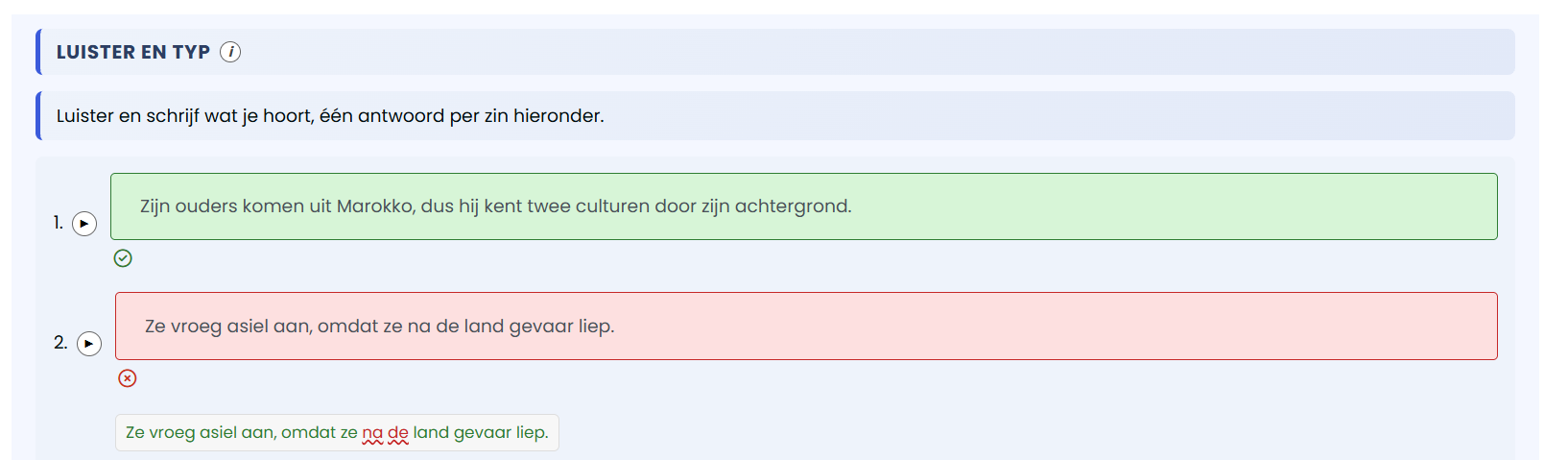


Tests your listening and spelling — not just recognising a word, but writing it correctly.
- Click ▶ at the start of each line to hear the sentence.
- Type exactly what you hear — spelling, capitals and punctuation included.
- Replay the audio as many times as you like.
- Click outside the text box once you're done typing — this checks and saves your answer.
- Repeat for every sentence on the page.
Translate
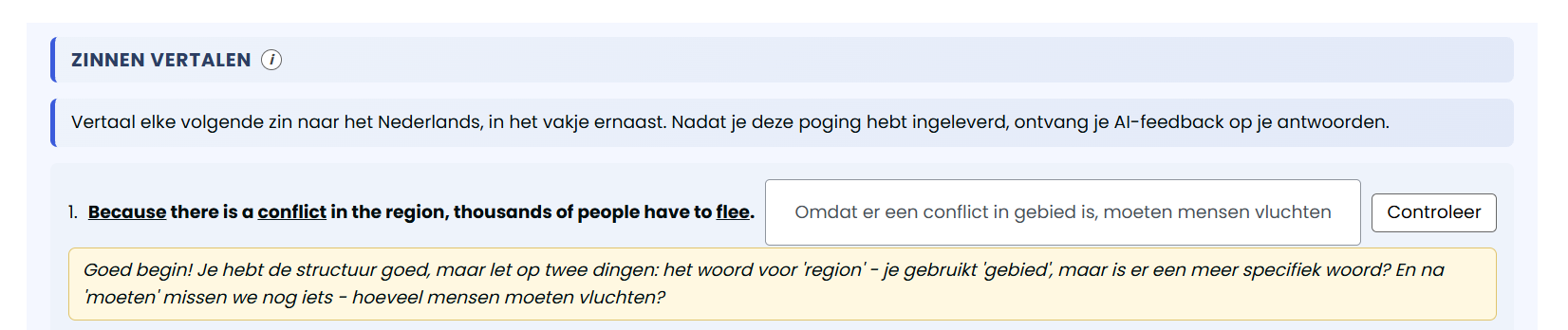


Builds your ability to translate your own sentences, with personal, instant AI feedback — the deepest level of this method.
- Read the given sentence.
- Type your own translation into the box next to it.
- Click "Check" for instant feedback on your attempt.
- Not quite right? Revise your answer based on the feedback and click "Check" again — as many times as you need, you get fresh feedback each time.
- Once you've translated every sentence, submit the exercise.
The Method, In Detail
How This Course Works
Every lesson follows the same proven path. You don't just see a word once and hope it sticks — you meet it six times, each in a different way, so it moves from something you recognise into something you actually know.
Recognise
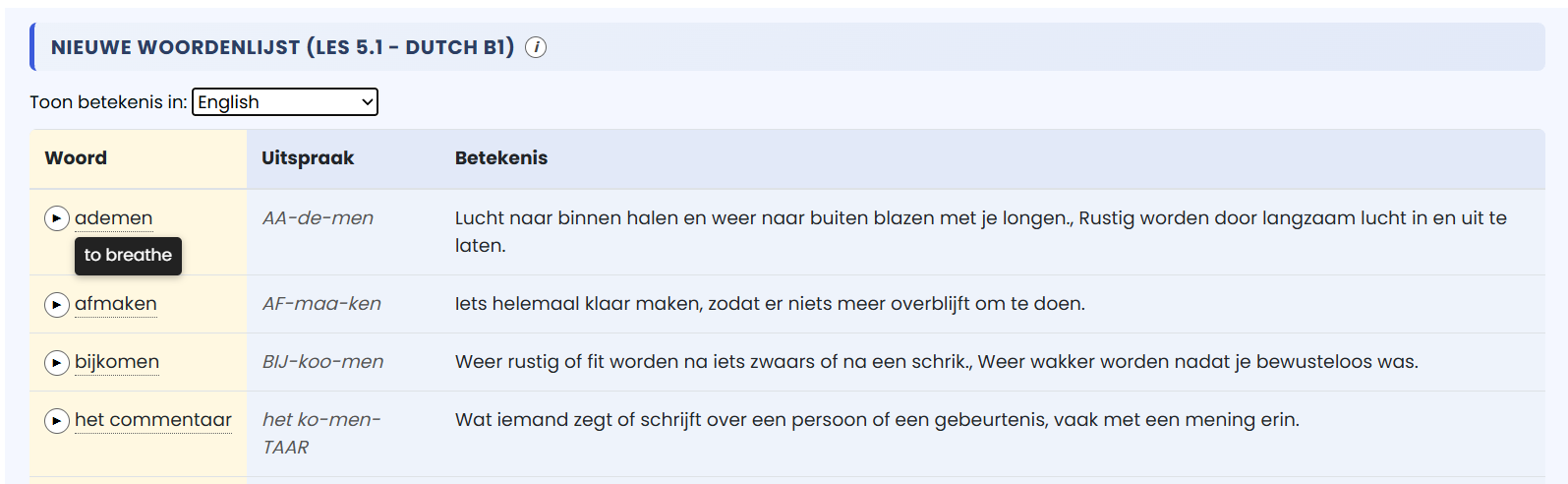


New words and phrases are introduced here for the first time, with the correct pronunciation and meaning. This part isn't graded — it's purely for reading and listening.
- Go through each new word and its meaning in the table.
- Click ▶ next to a word to hear it pronounced — listen as many times as you like.
- To see the meaning in your own language, pick it from the "Show meaning in" menu at the top.
- Hover over a word (tap it on mobile) to see the meaning in the language you picked.
- Look through every new word at least once before moving on.
Match
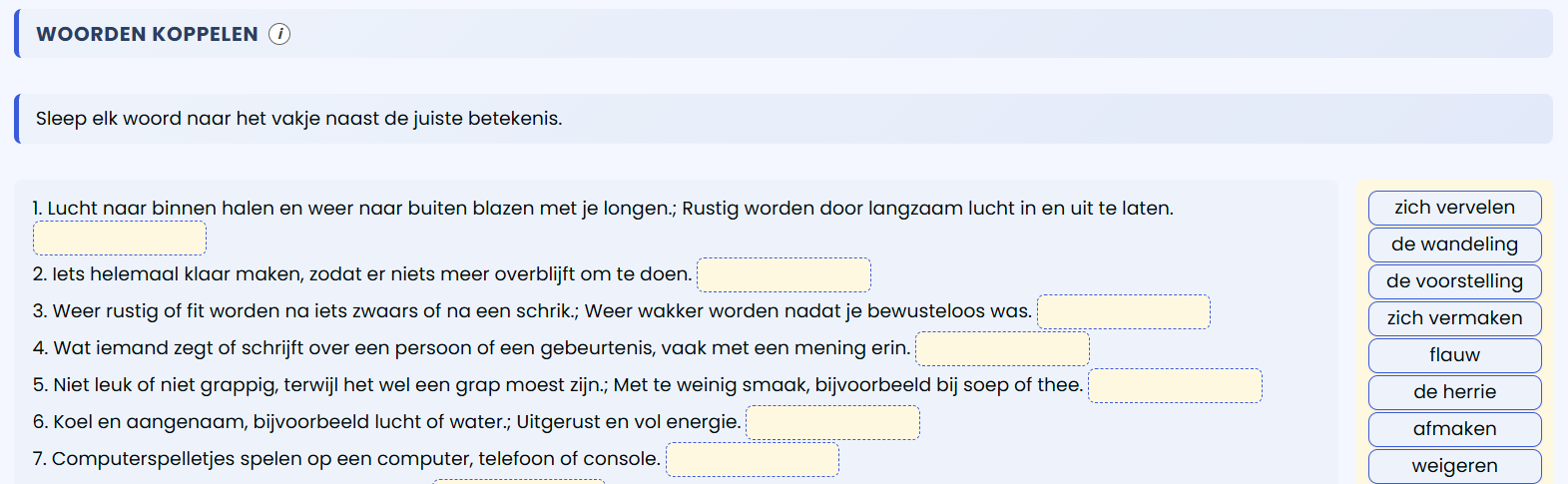


Reinforces the words you just met by matching them to their meaning, in both directions.
- You'll see meanings on one side and draggable words on the other.
- Read each meaning carefully.
- Drag the word you think matches into the box next to that meaning.
- Each word is used exactly once — once placed, it disappears from the list.
- Once every meaning has a word next to it, this step is done.
In a Sentence
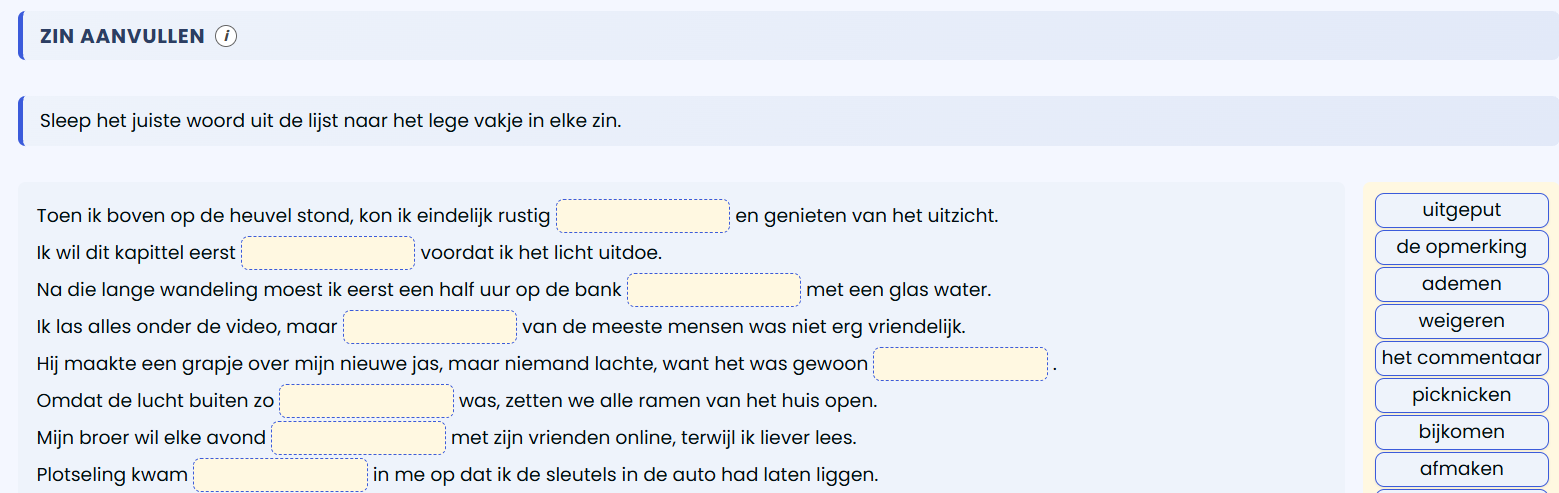


Shows you how the word is used in a real sentence, so you learn the correct context, not just the dictionary meaning.
- Read a sentence with a gap in it, from start to finish.
- Think about which word from the list fits the gap, based on the sentence's meaning.
- Drag the right word into the gap.
- Not sure? Read the sentence again — the right answer depends on grammar as well as meaning.
- Complete every sentence on the page the same way.
In a Story
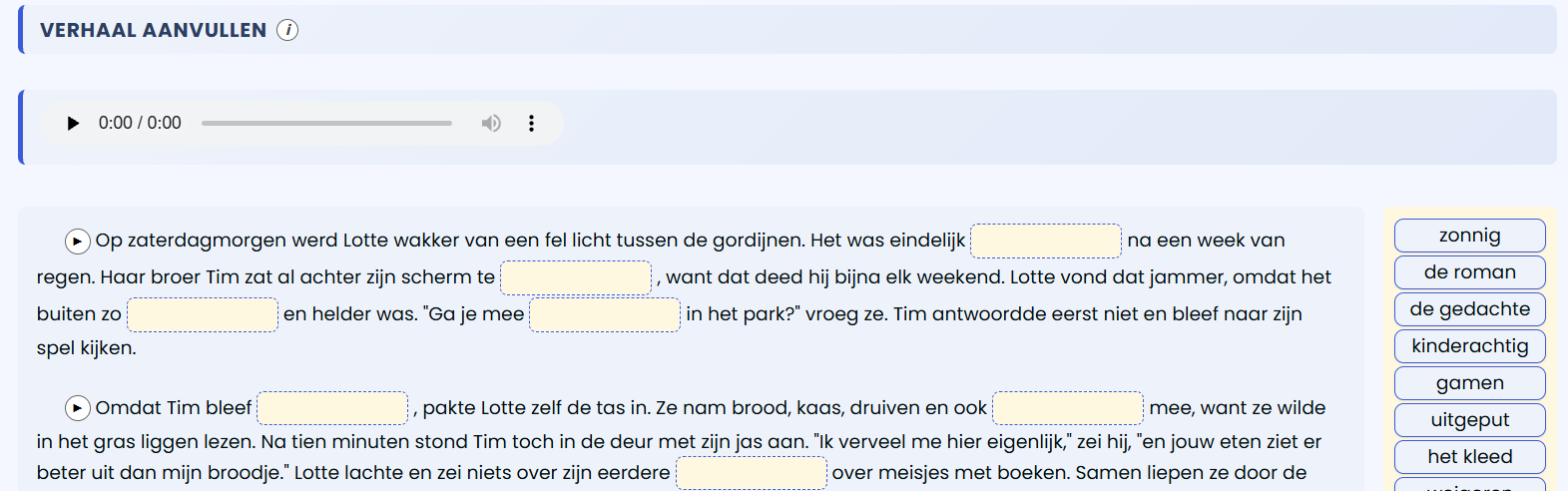


The words now appear together, inside a connected story or dialogue — the deepest level of real context. You can also use it purely as a listening exercise, by playing the story from start to finish.
- Read the whole story once, gaps and all, to get the general idea.
- For each gap, pick the word the sentence and the story's context point to.
- Can't find the right word? You can listen to the audio for any paragraph you're stuck on.
- Check the sentence before and after a gap too — the story's events follow on from each other.
- Once every gap is filled, read the story back to check it makes sense as a whole.
Listen & Write
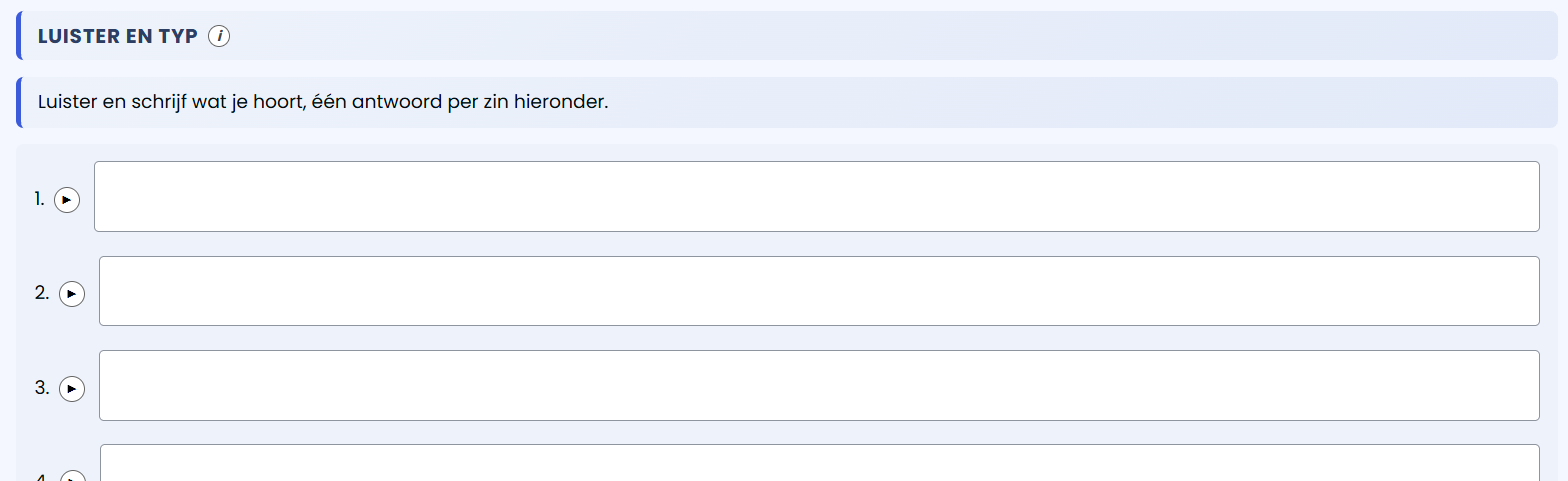


Tests your listening and spelling — not just recognising a word, but writing it correctly.
- Click ▶ at the start of each line to hear the sentence.
- Type exactly what you hear — spelling, capitals and punctuation included.
- Replay the audio as many times as you like.
- Click outside the text box once you're done typing — this checks and saves your answer.
- Repeat for every sentence on the page.
Translate
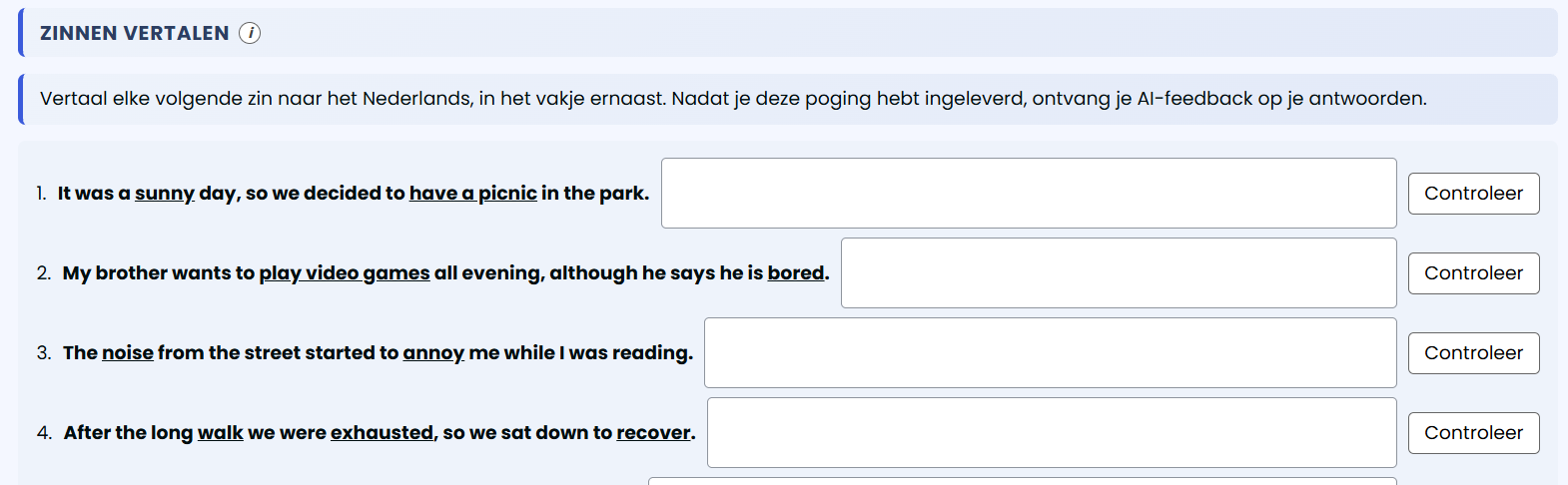


Builds your ability to translate your own sentences, with personal, instant AI feedback — the deepest level of this method.
- Read the given sentence.
- Type your own translation into the box next to it.
- Click "Check" for instant feedback on your attempt.
- Not quite right? Revise your answer based on the feedback and click "Check" again — as many times as you need, you get fresh feedback each time.
- Once you've translated every sentence, submit the exercise.
Free, no login needed
A podcast library of hundreds of real stories
Every podcast episode is a short, natural story or dialogue pulled straight from our own courses — with a transcript and a free downloadable vocabulary list (PDF). You don't need to be logged in to listen.
Browse by Level and Language
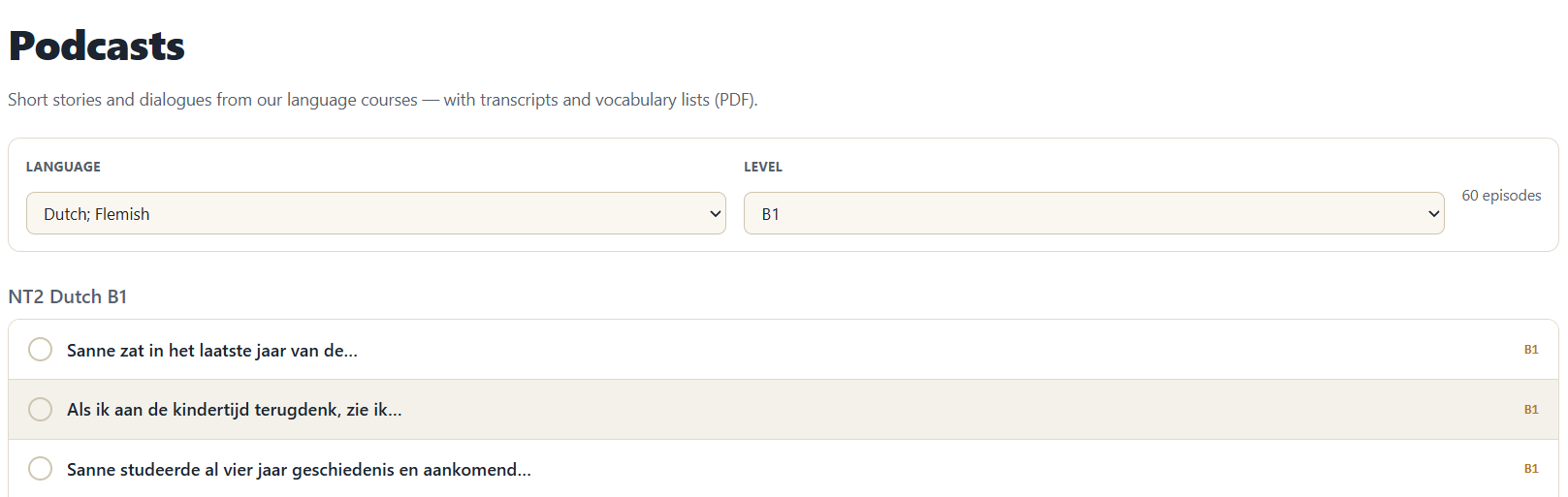


Filter the whole library by language and level, and the list updates instantly — every episode shows its level at a glance.
Listen or Read Along
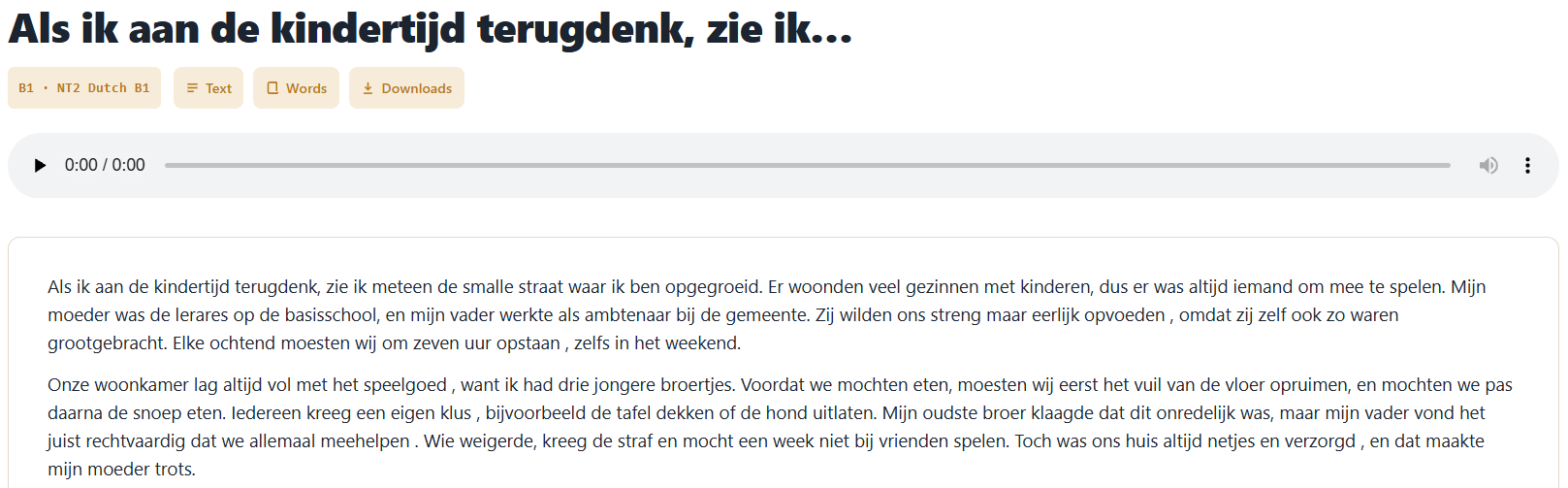


Every episode has its own page: press play, or switch to the Text tab to read the full transcript while you listen.
Every Word, Explained
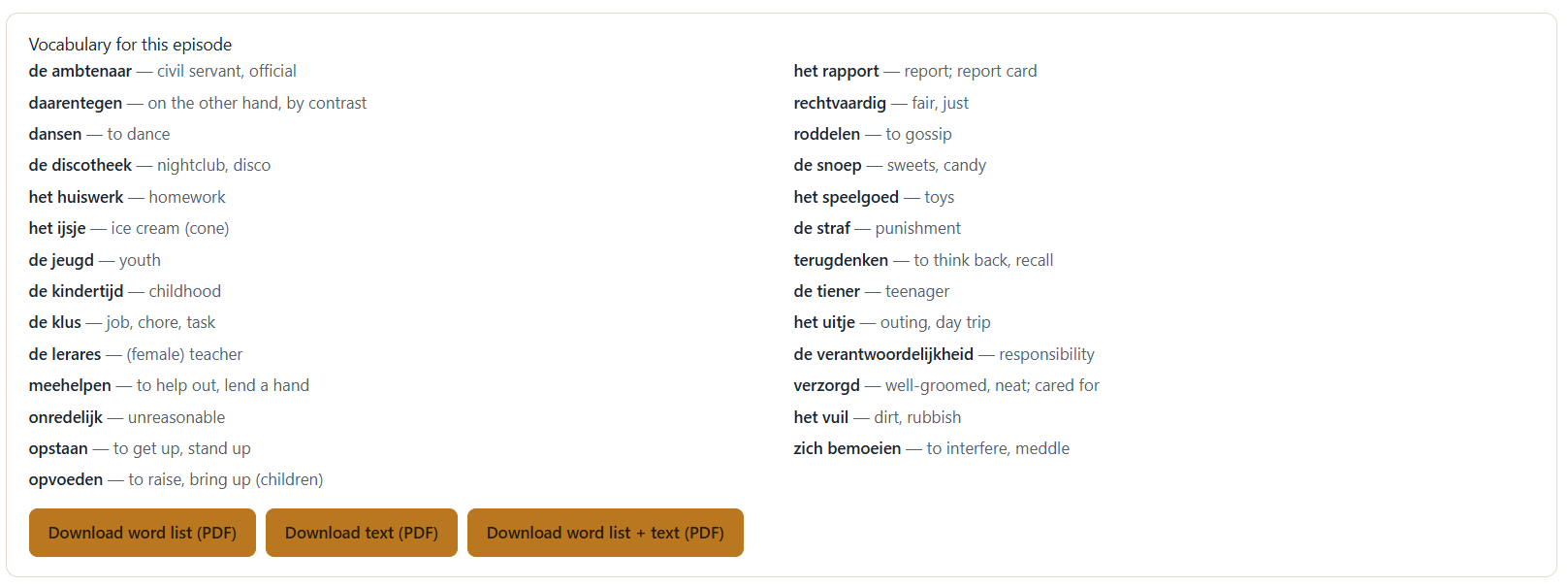


Switch to the Words tab for a clean list of every new word in that episode, with its meaning right next to it.
Take It With You
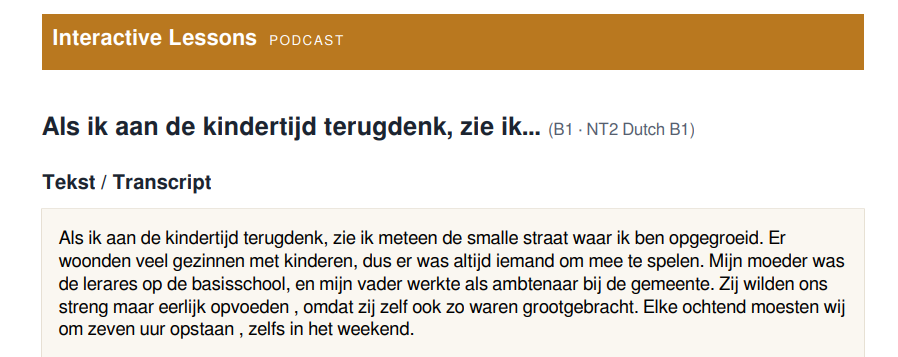


Download the word list, the transcript, or both as a free PDF — neatly formatted, ready to print or study offline, no login required.
What is it for?
The podcast isn't a replacement for a lesson — it's ear-training for moments when a screen isn't practical: commuting, cooking, on the train. You recognise words you already know in natural context, which directly reinforces the "Listen & Write" step of the 6-step method.
Grammar That Sticks
Real grammar, disguised as a game
Memorising grammar rules rarely works. So every lesson automatically turns its new words into three short practice rounds — not a dry fill-in-the-blank drill, but repetition that feels like a game. The wrong-answer options aren't random: they're chosen to match the mistakes learners actually make.
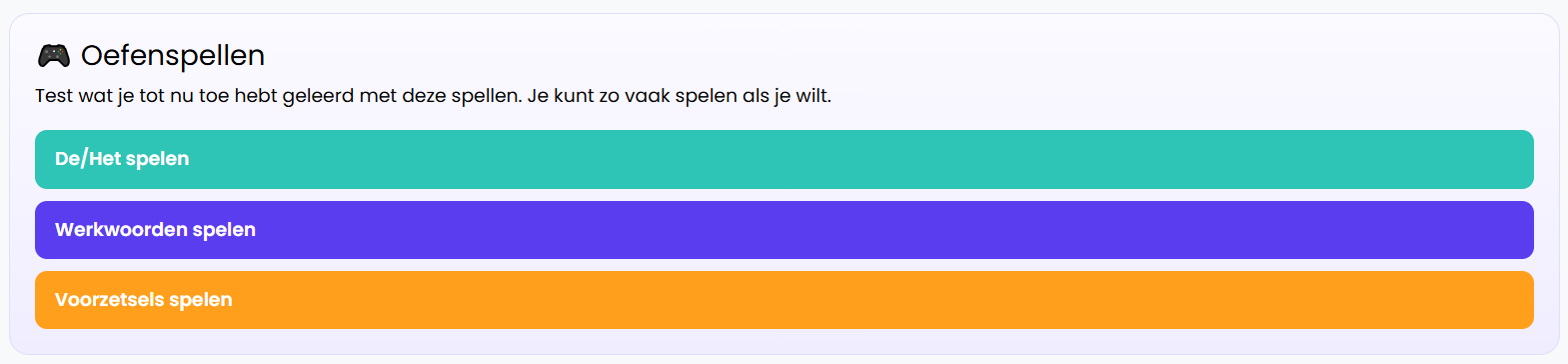


Article Game (de/het)
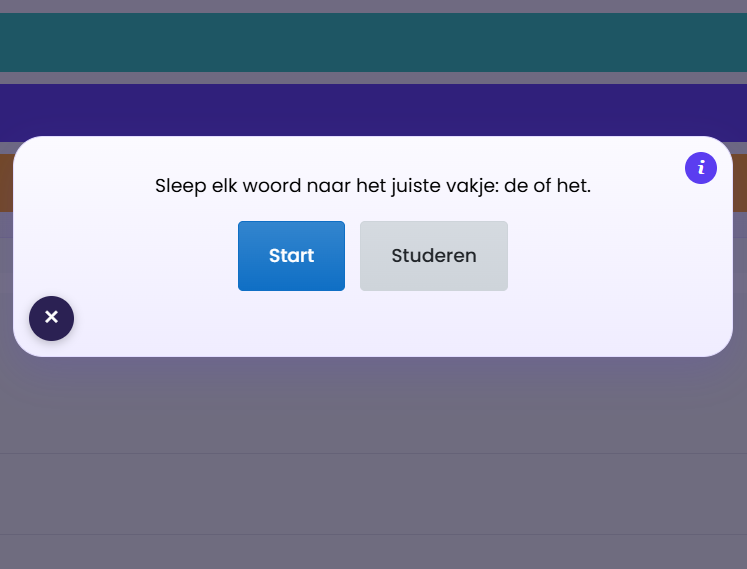
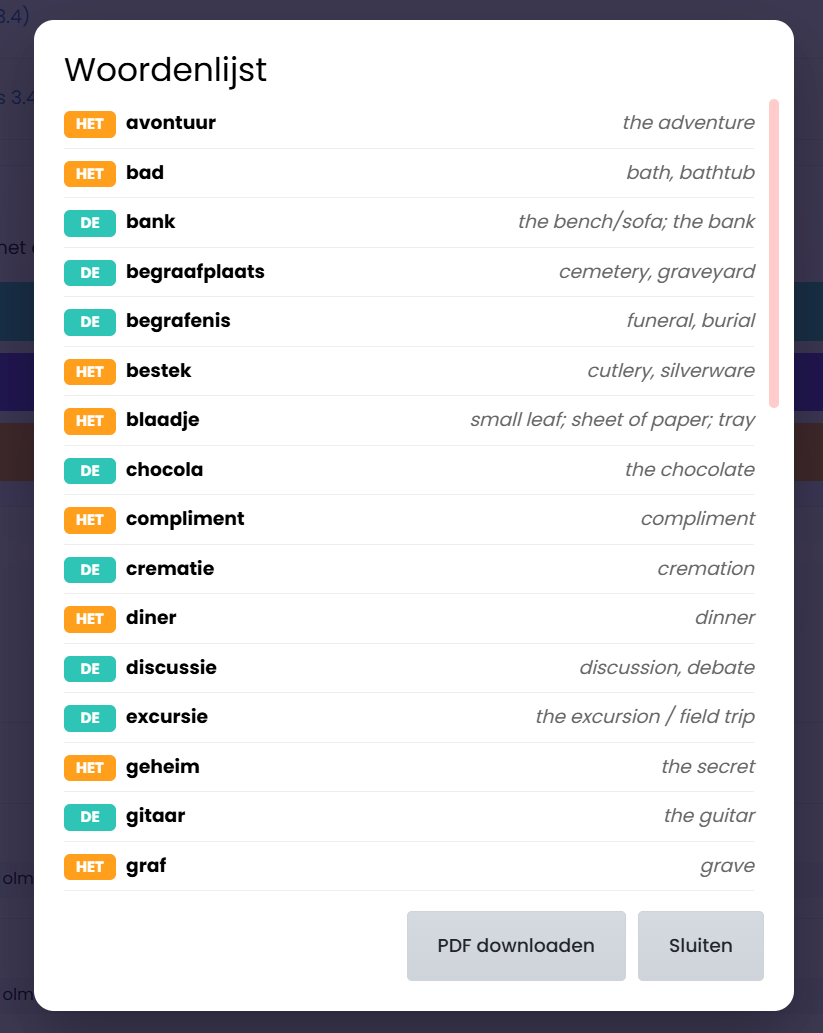
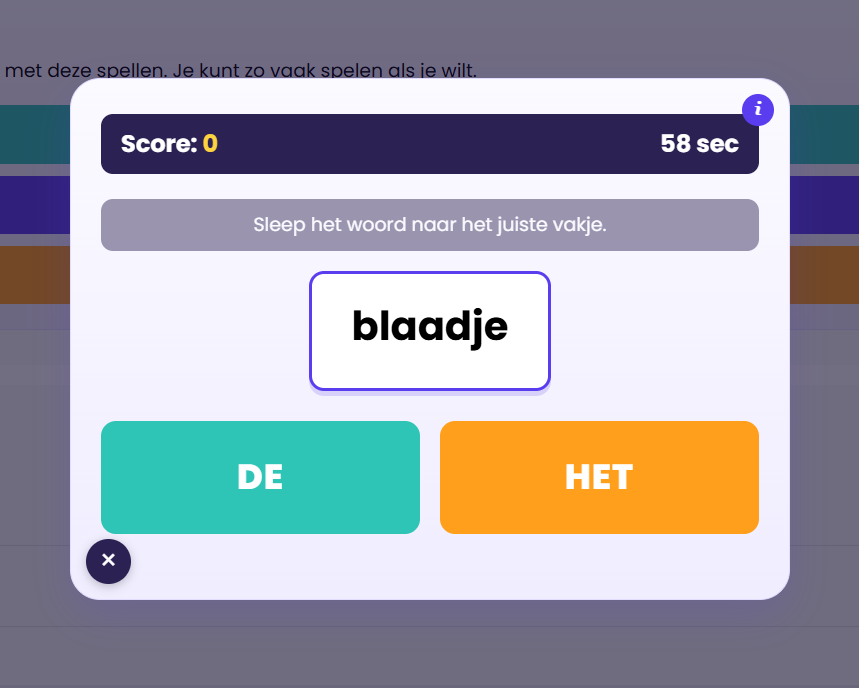
How you play: tap a word, then choose "de" or "het". Why it helps: Dutch's article is notoriously tricky because there's no fixed rule — this game drills it through repetition across hundreds of real words, instead of memorising a list.
Verb Conjugation Game
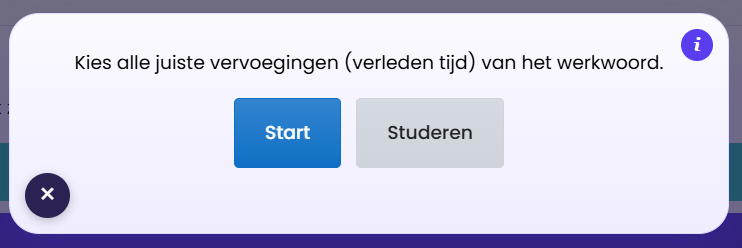
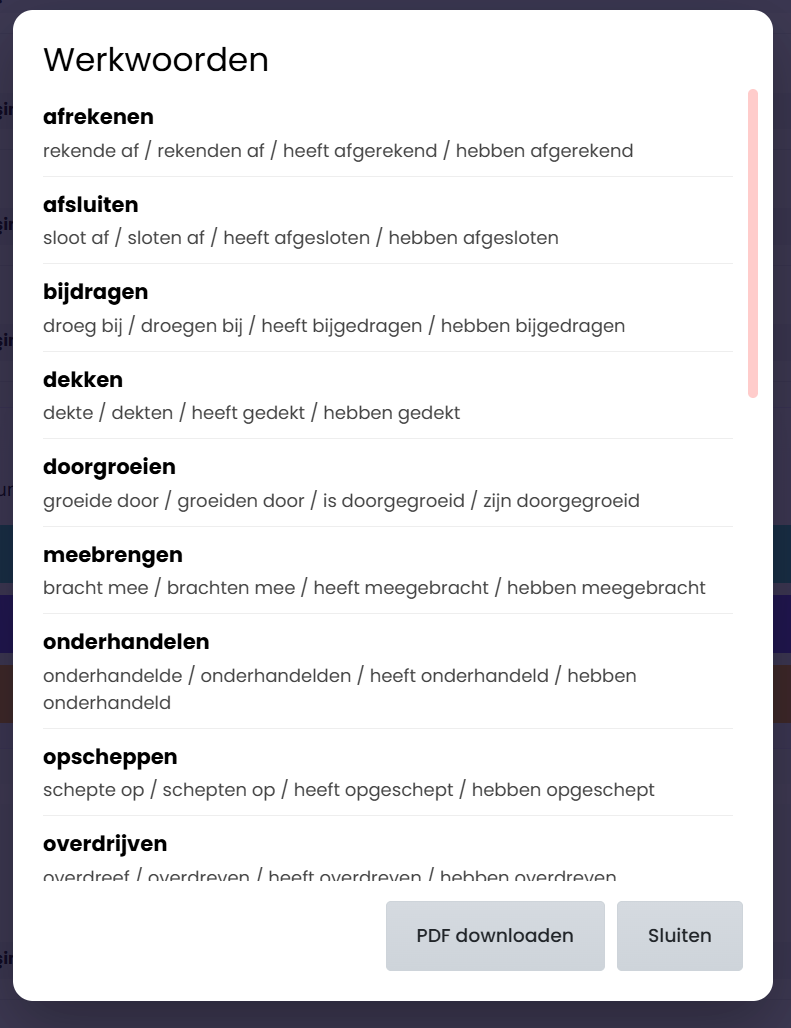
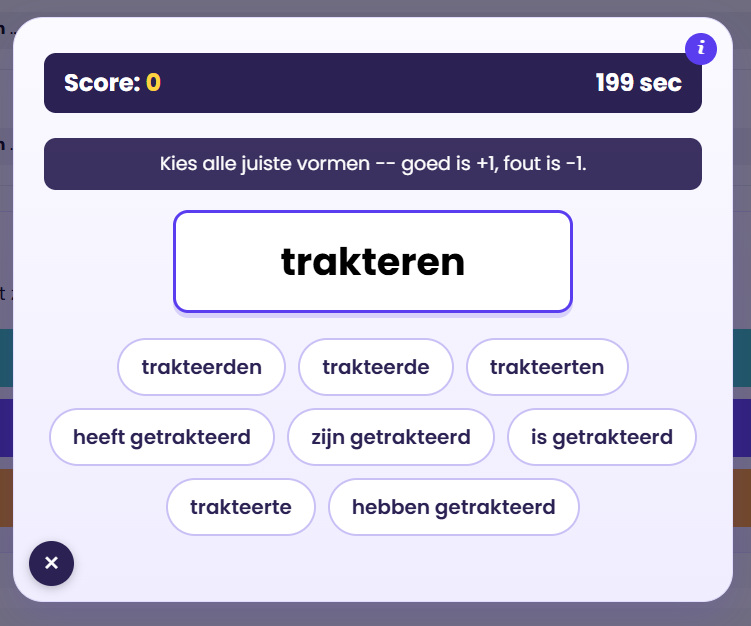
How you play: pick every correct past-tense form of a verb. Why it helps: the wrong options are built from the traps learners actually fall into — like the 't kofschip rule and heeft/is mix-ups — so you practise exactly where it goes wrong.
Preposition Game
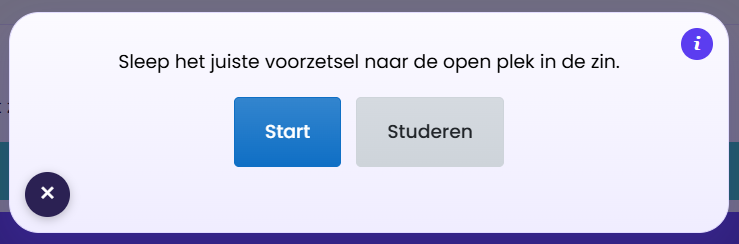
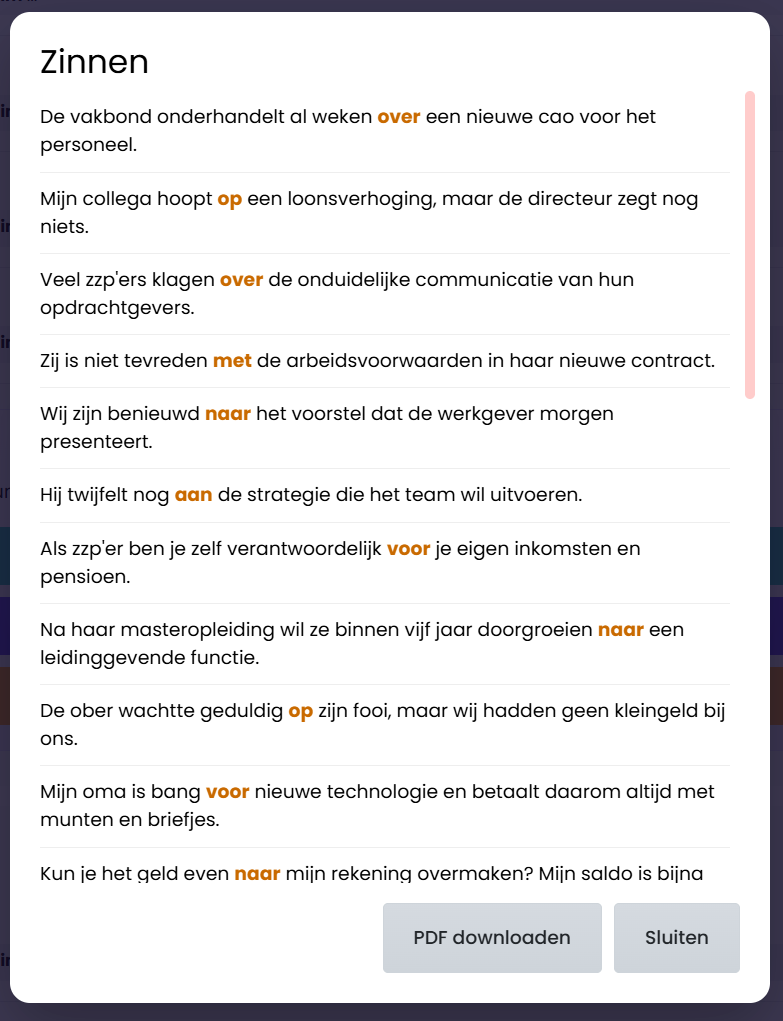
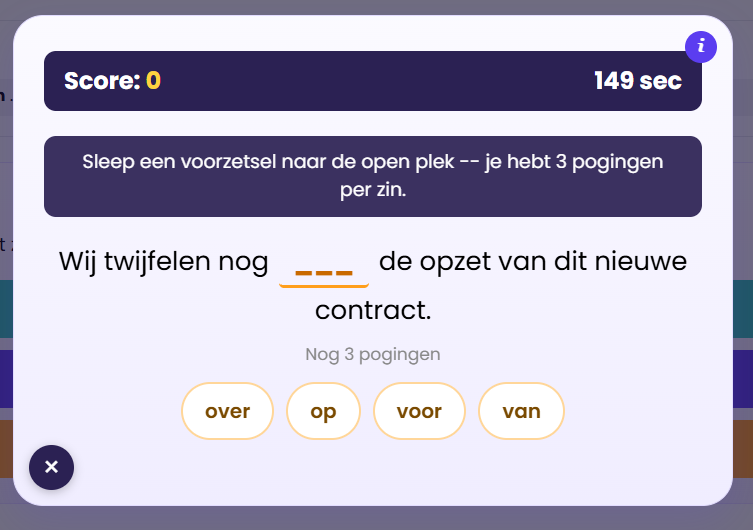
How you play: fill the blank in a real sentence with the right preposition, with three tries before the answer is revealed. Why it helps: prepositions don't translate word-for-word — they have to be learned sentence by sentence, and this game corrects you instead of just penalising you.
Start With Zero Risk
14 days, completely free, no card required
Every paid course lets you sign up with just a name and email — no payment details, nothing charged automatically. You get 14 days of full access to a solid first portion of the course: enough real lessons, tests and the actual 6-step method to genuinely feel whether it works for you, not a stripped-down demo.
Your trial ends when you finish that first part of the course, or after 14 days — whichever comes first. Like it? For €19.90 a year afterwards, you get full access to the whole course for a full year. Not for you? Access simply lapses — nothing is charged, nothing to cancel.
WHERE DO YOU WANT TO START?
Pick your subject and start today
Curious what this actually looks like? Browse the courses yourself — 14 days completely free, no credit card required.
Dutch
From your very first words to a real conversation: A1 to B2, with an AI conversation partner and the full 6-step method.
Browse Dutch coursesEnglish
The same proven method, now for English — from the basics to fluent speaking, with the same AI support and games.
Browse English coursesMath
Not a language, but numbers: VWO 1 mathematics step by step, with the same clear approach.
Browse the math course